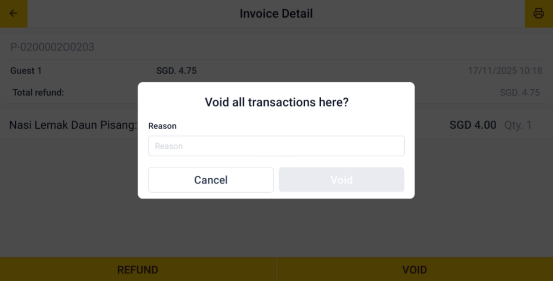
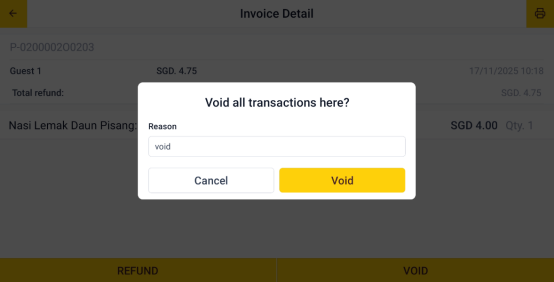
How to Void Bill After Payment
Step 1: Open the App
Open the Popcorn Cashier app on your device.
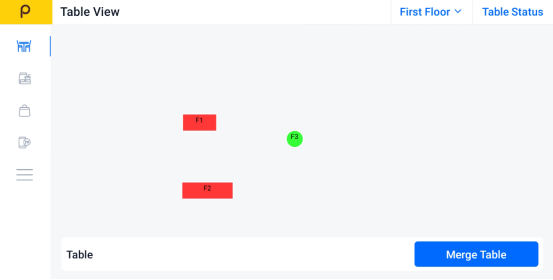
Step 2: Click the Sidebar
Tap the menu icon (☰)
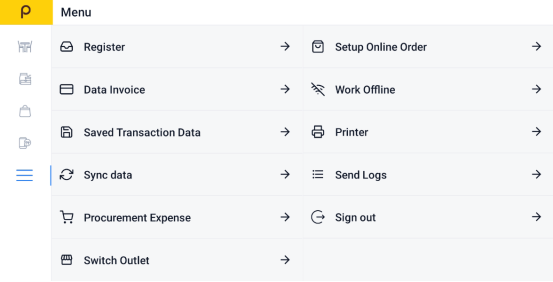
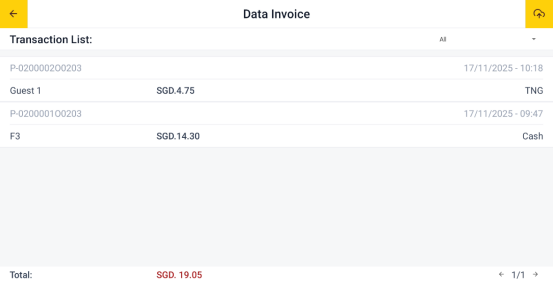
Step 3: Find "Data Invoice"
Select Data Invoice to view all recent transactions.
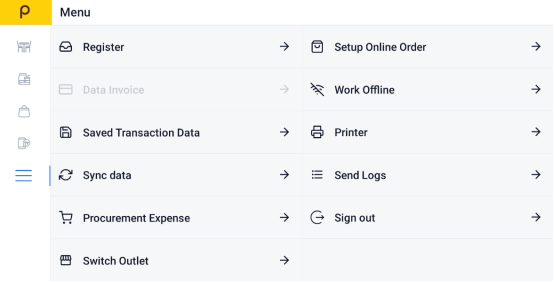
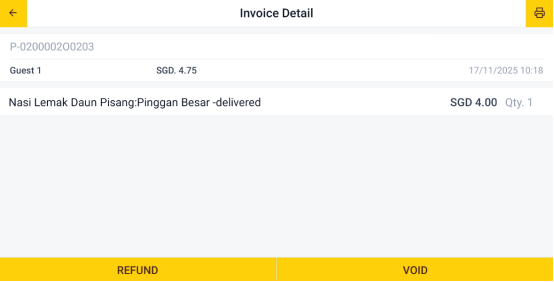
Step 4:Choose the Bill You Want to Void
Scroll through the list or search to find the specific invoice or bill.