How to Set Double Screen
*Recommended Device: IMIN D1 Desktop POS & IMIN Falcon 1
In Backend(admin page):
- Go to Management > Store & Outlet > Outlet List
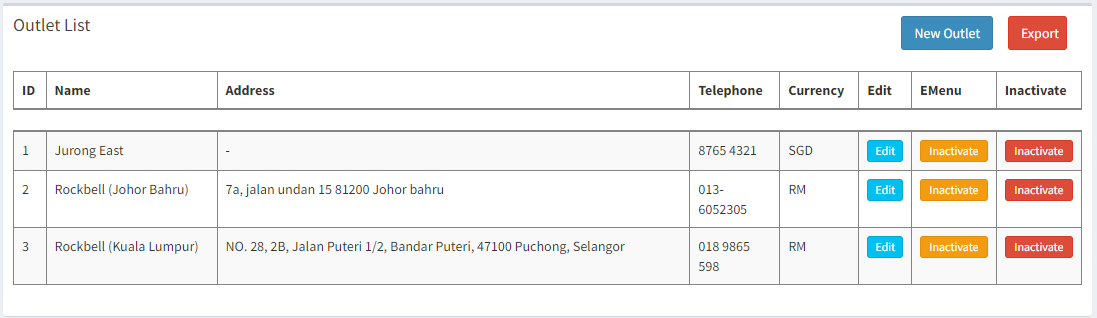
- Click
 on the outlet you want to set
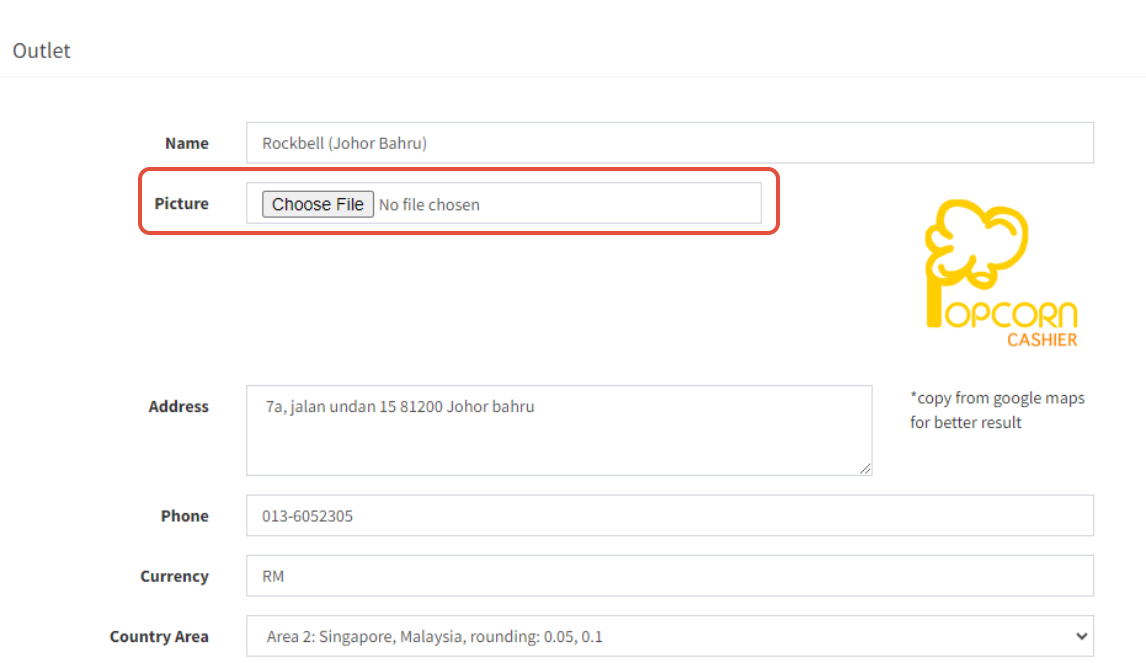
- Upload the picture you want to display in the Picture
*If the picture is not set, the default picture will be as below:

---------------------------------------------------------------------------------------------------------------------------
Please refer to video below for more information:
