How to Scan Voucher/Input Voucher Code to Apply Discount
*Remember to input the membership of the member before this step (for how to input membership, please refer to topic: How to Check Member Status in Popcorn Cashier App)
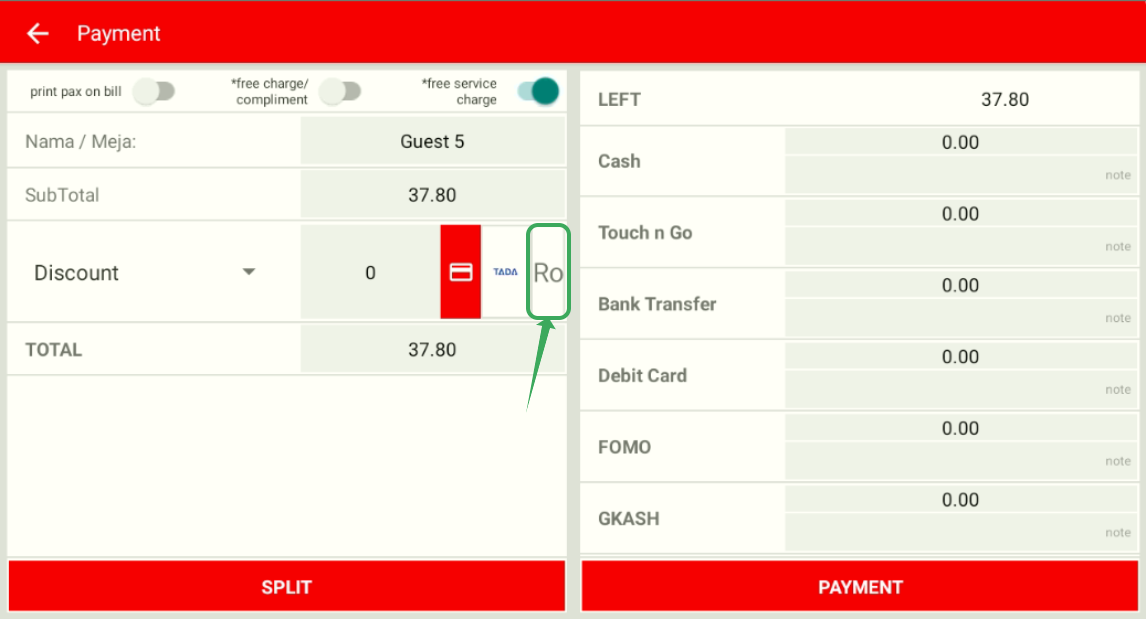
After making the order, during the payment process, click on the Rocket button in the discount section
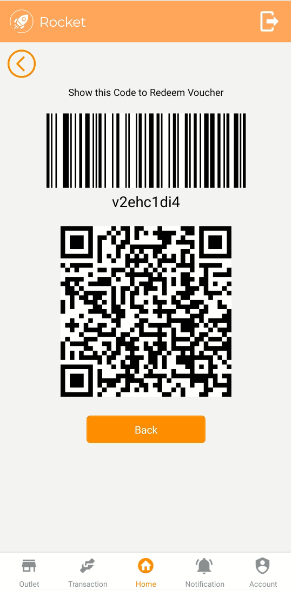
Scan the code given by member. Example of code:
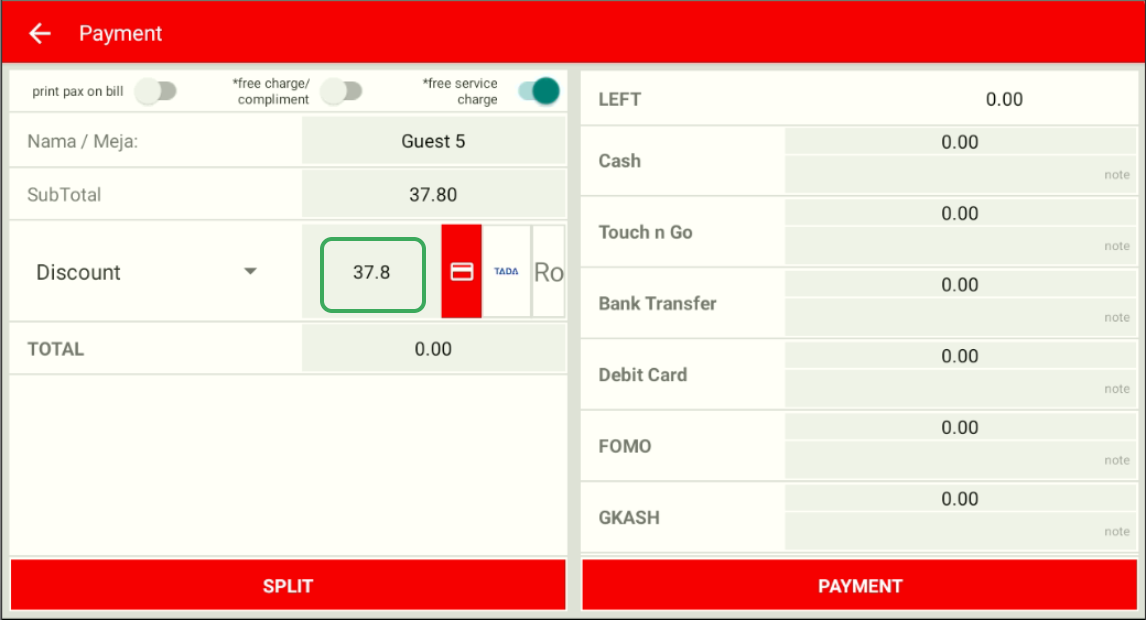
The discount amount will automatically be key in after scanning the code, then you can process to finish the payment
--------------------------------------------------------------------------------------------------------------------------------------
