How to Choose Different Pricing
Step 1: Open the App
Launch the Popcorn Cashier App on your device.
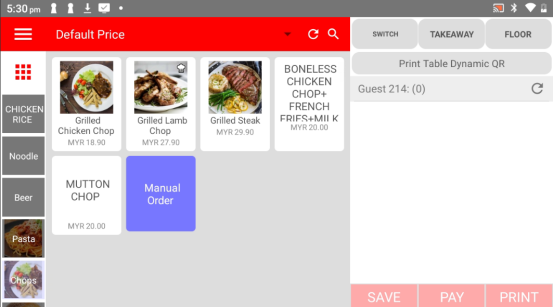
Step 2: Click the “Default Price”
On the main ordering screen, tap the Default Price (located near the top or order area).
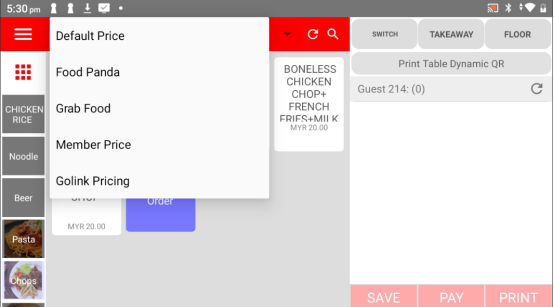
Step 3: Choose the Price You Want
Select the appropriate pricing from the list (e.g. Food Panda, Grab Food, Member Price). The prices on the menu will update automatically.
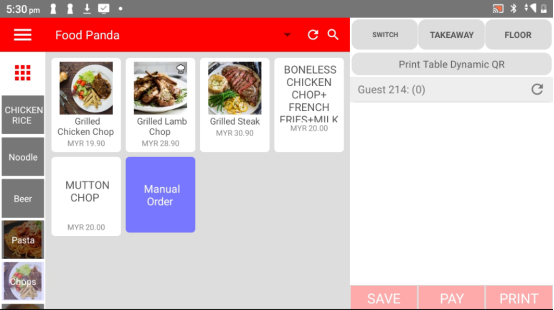
Please click the link below to access the article:
---------------------------------------------------------------------------------------------------------------------------------------------------------------------
Please refer to the video below for more information:
