How to Login to Rocket Backend Portal
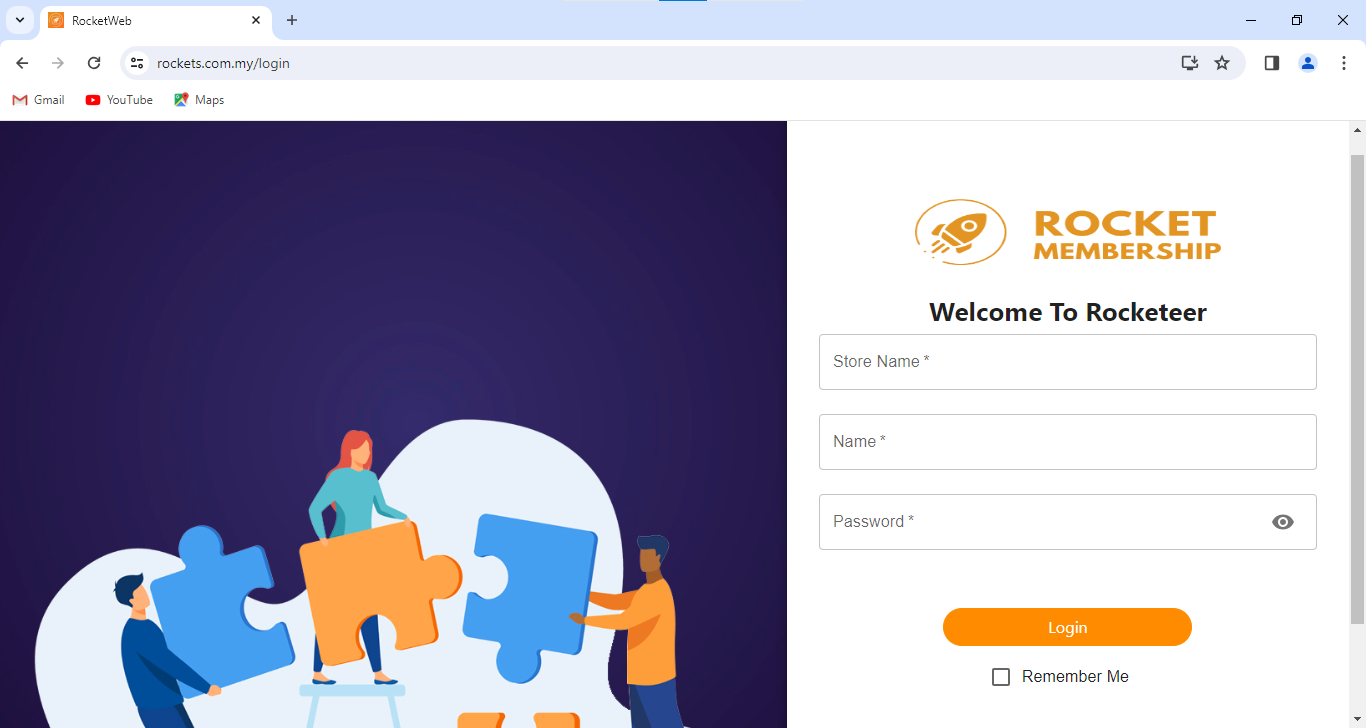
First, go to https://www.rockets.com.my/login . Then, key in your store name, name and password to login.
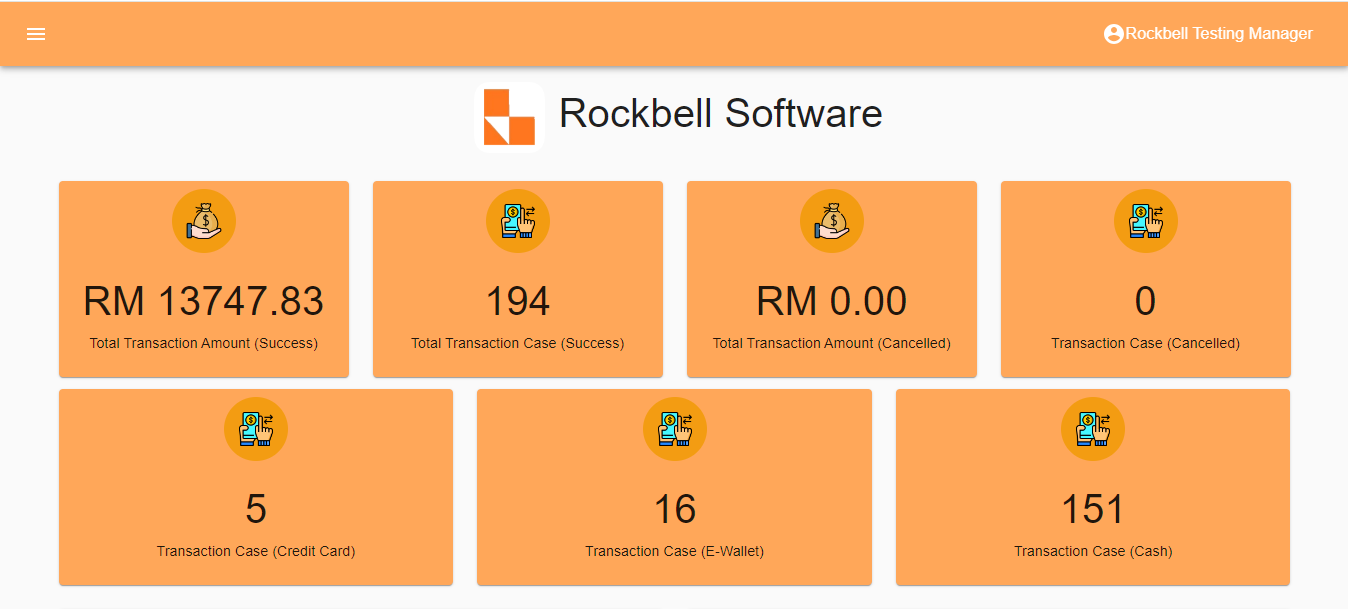
After login, this is the home page(dashboard) of the Rocket Backend Portal
First, go to https://www.rockets.com.my/login . Then, key in your store name, name and password to login.
After login, this is the home page(dashboard) of the Rocket Backend Portal
